Certsign Configuration
Certisign stores and manages all your electronic documents. see more
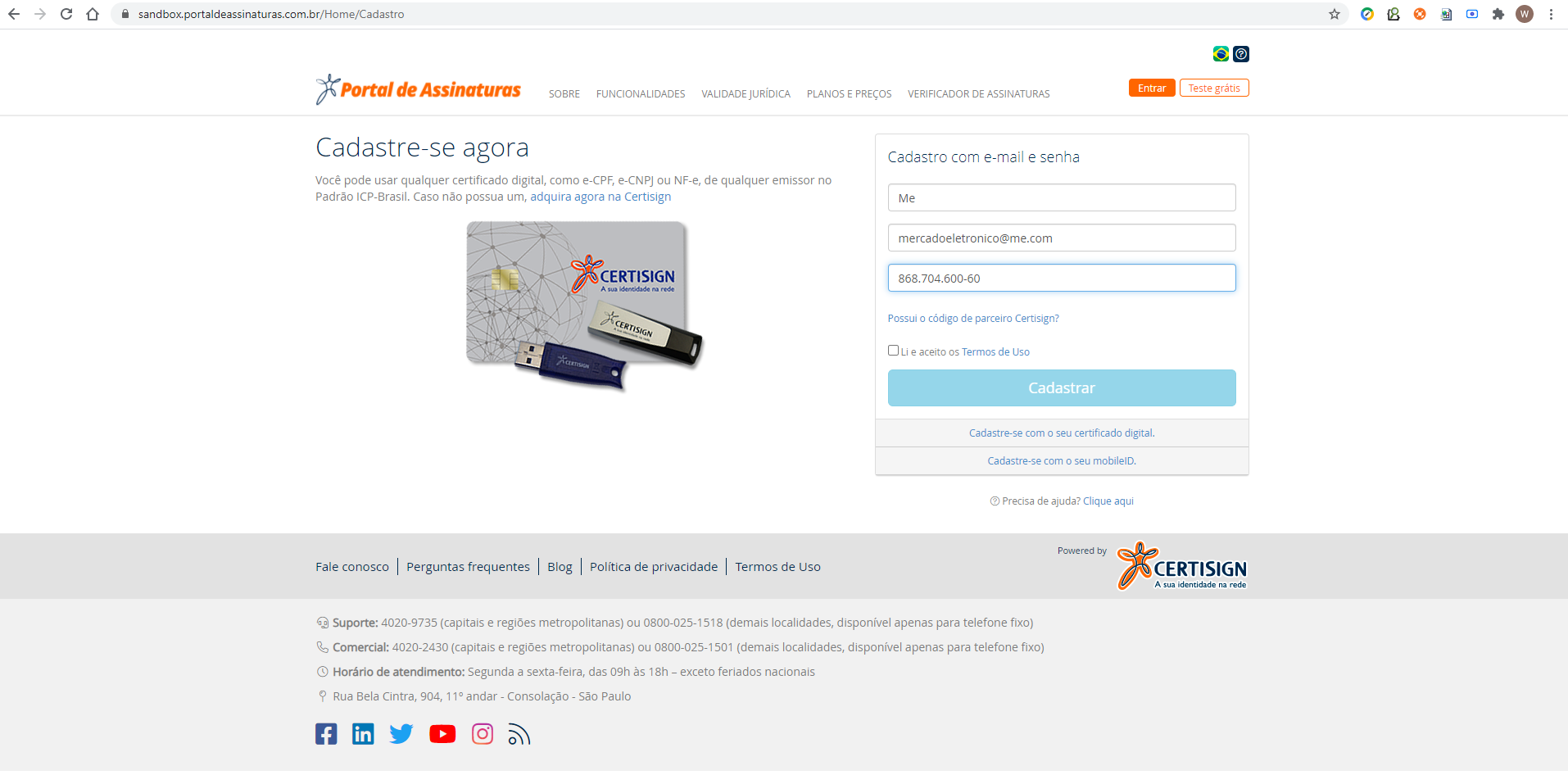
First to start we need to register the login to start using. register
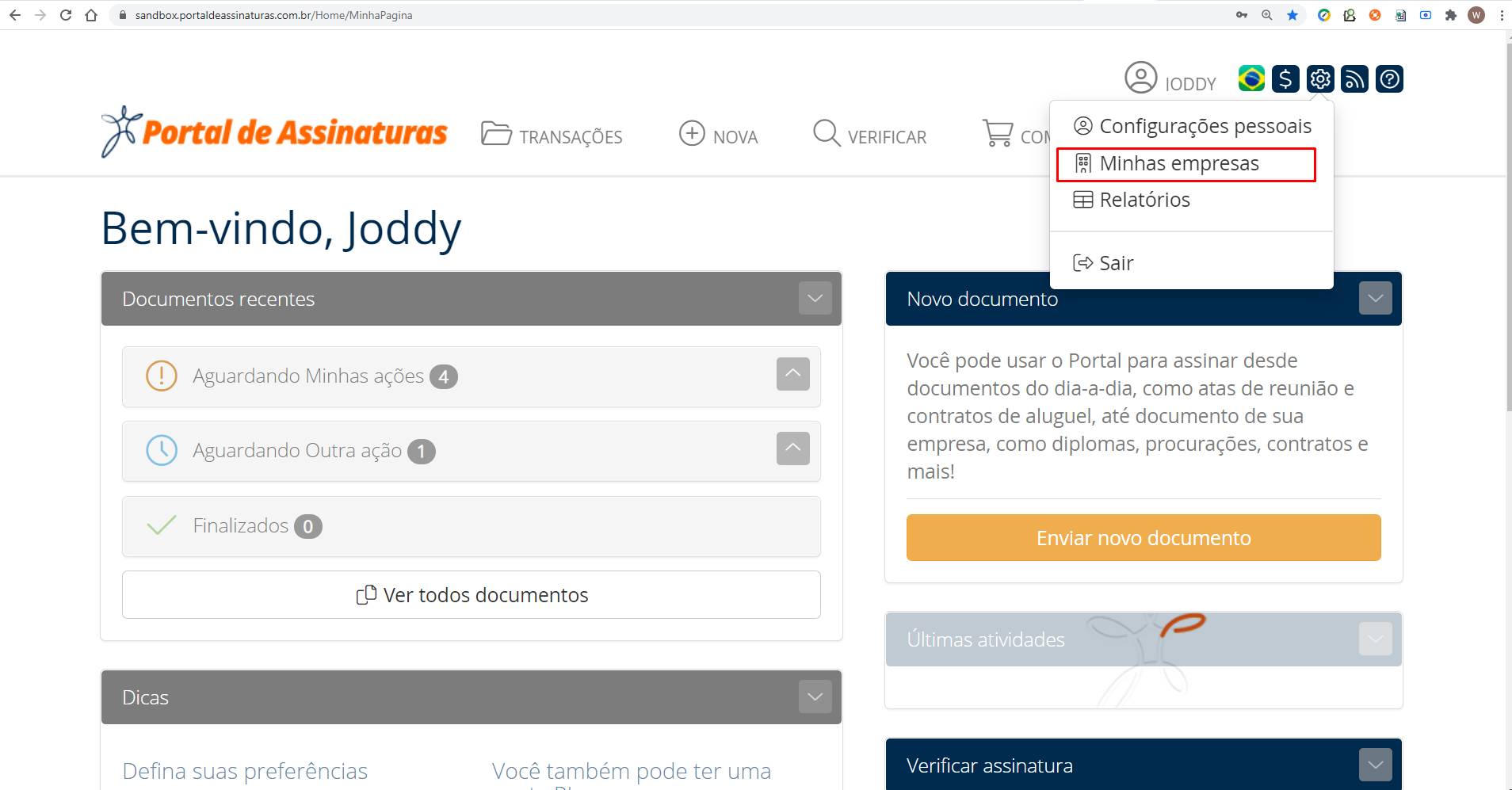
To set up a company, enter the menu Minhas empresas Minhas empresas
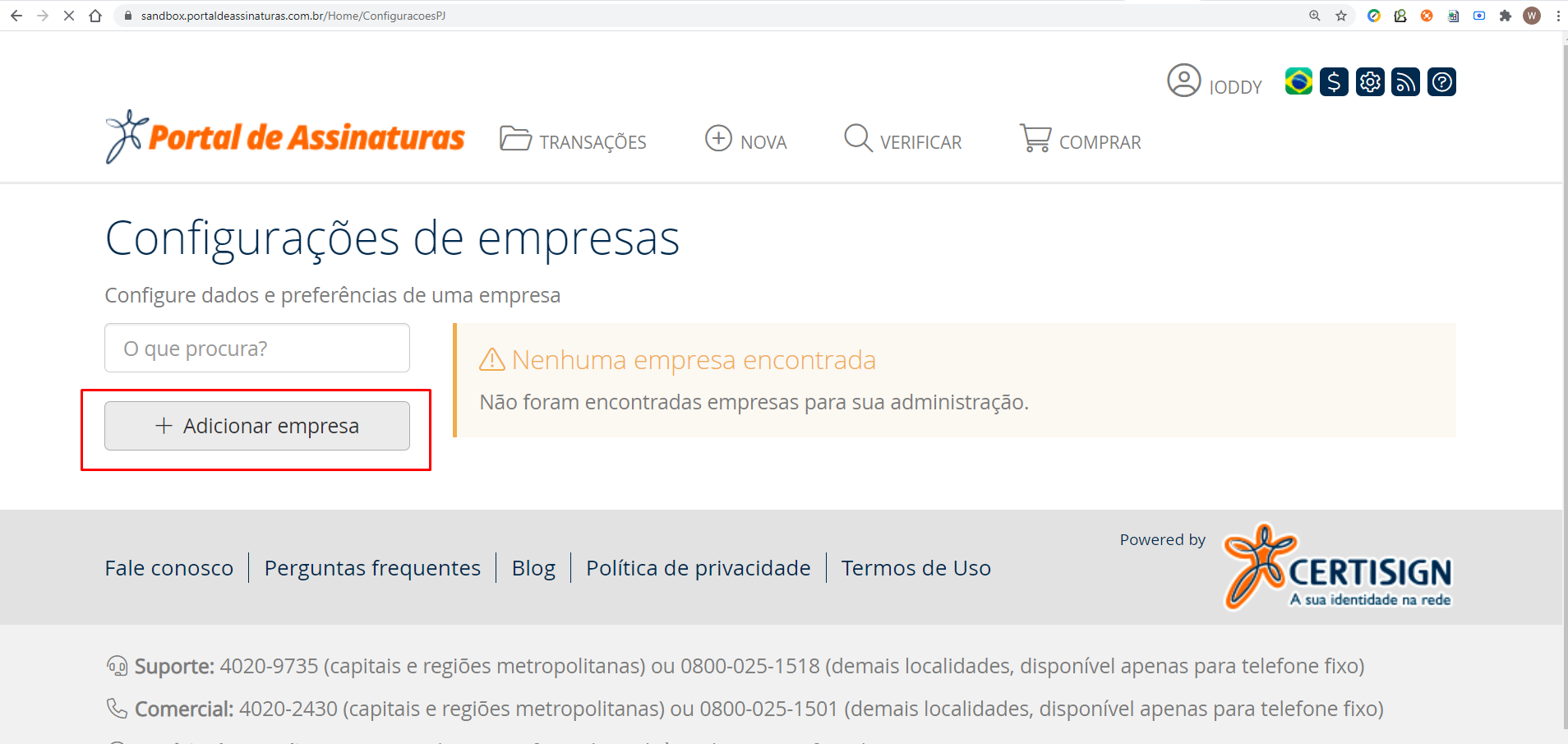
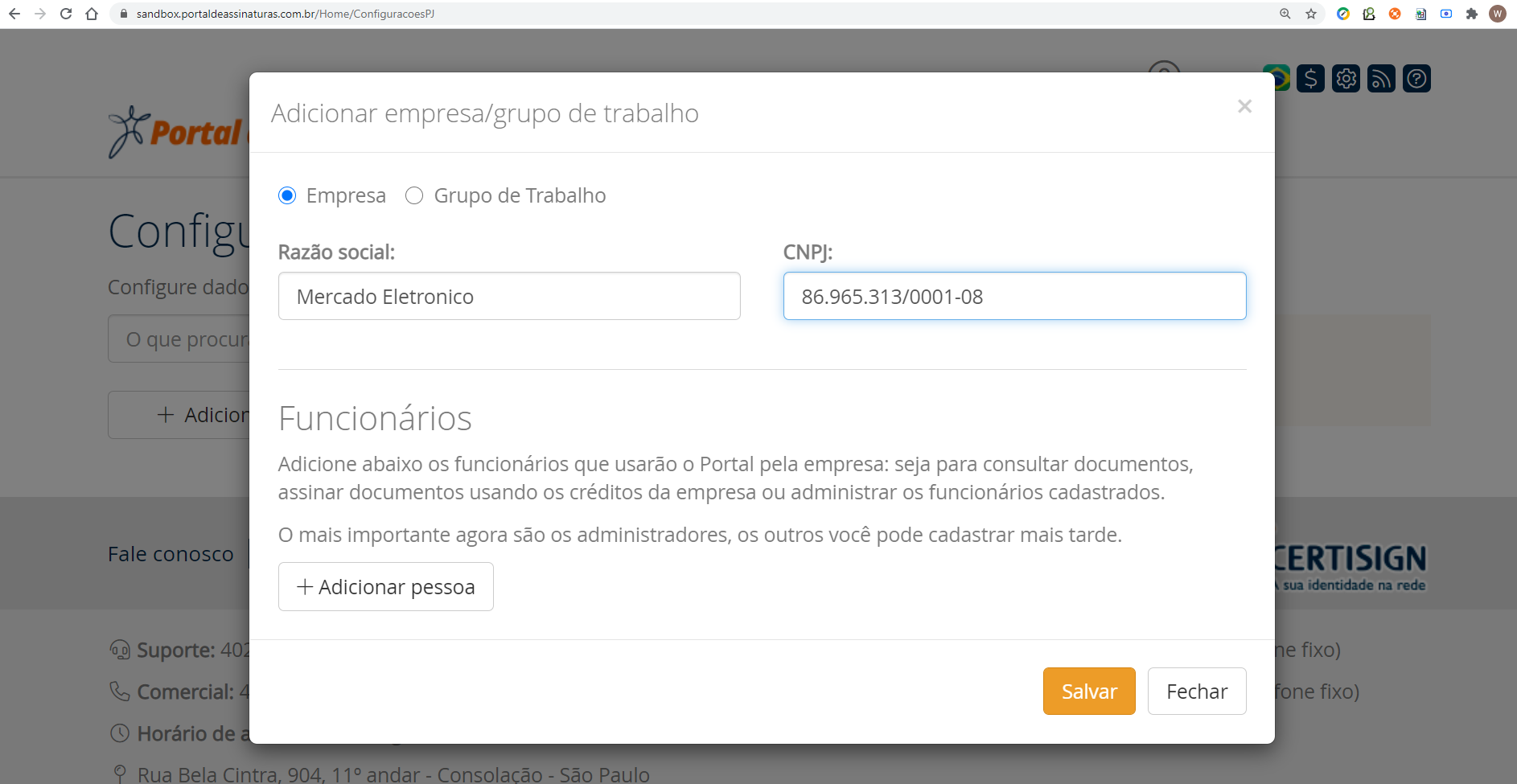
Adding a company to start the configuration
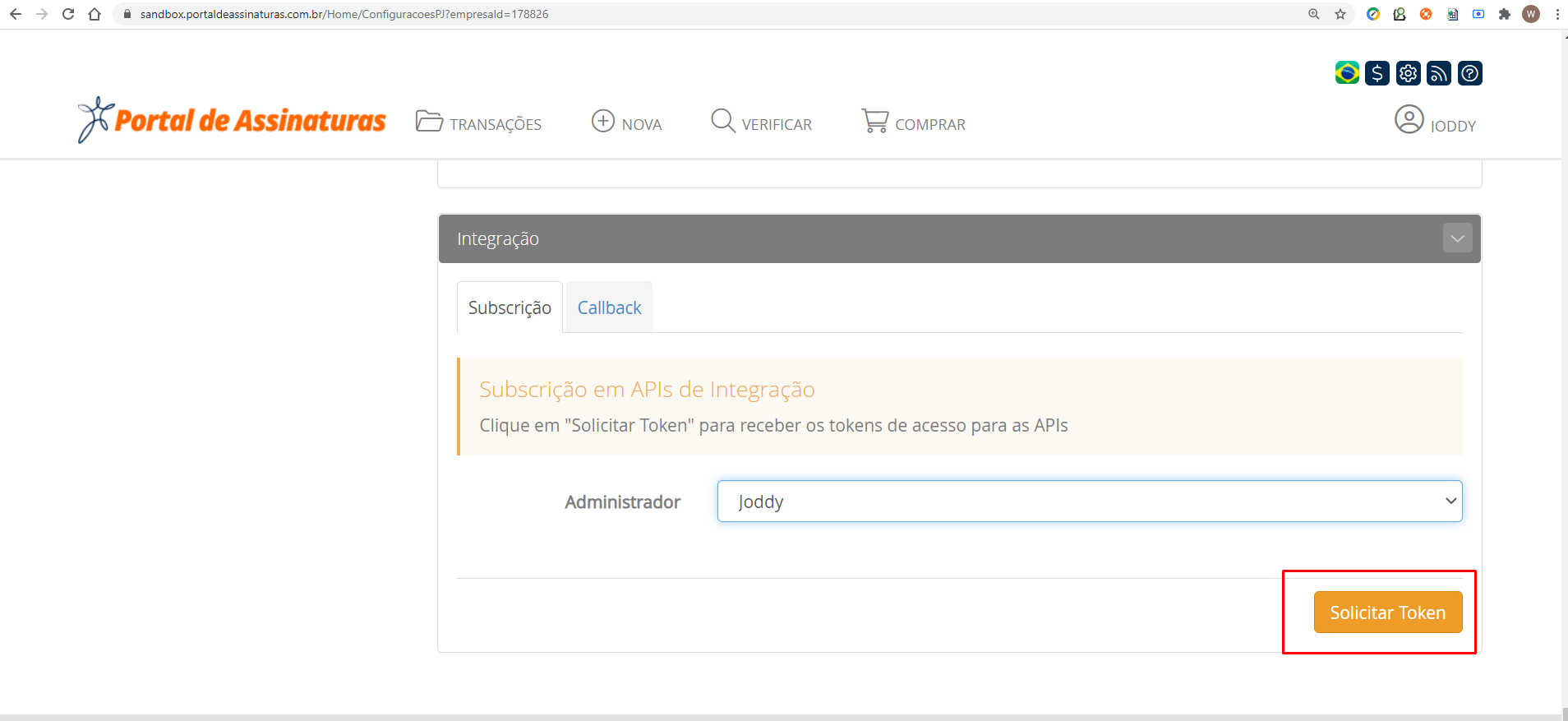
Request a token to start using the APIs

Set up a callBack
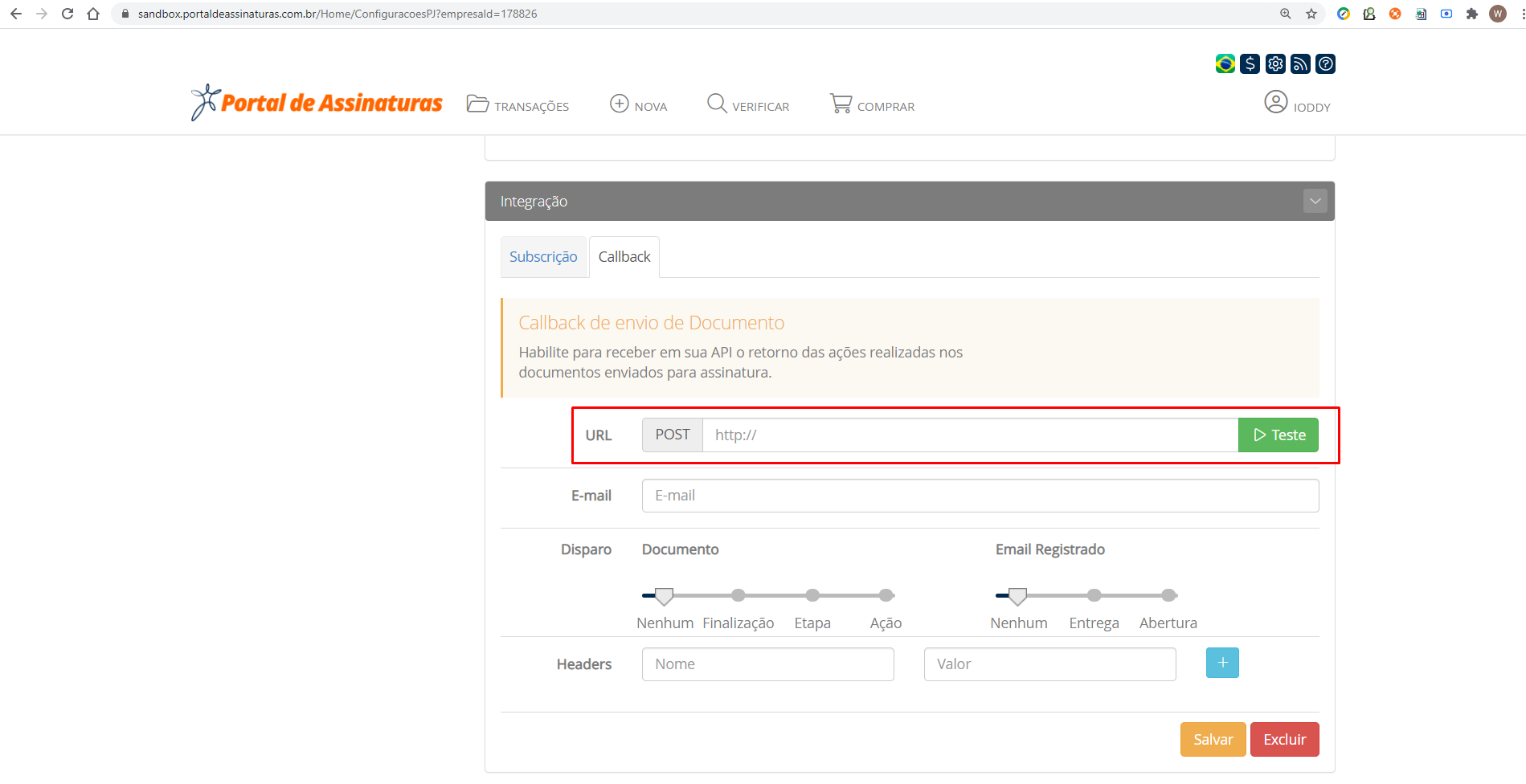
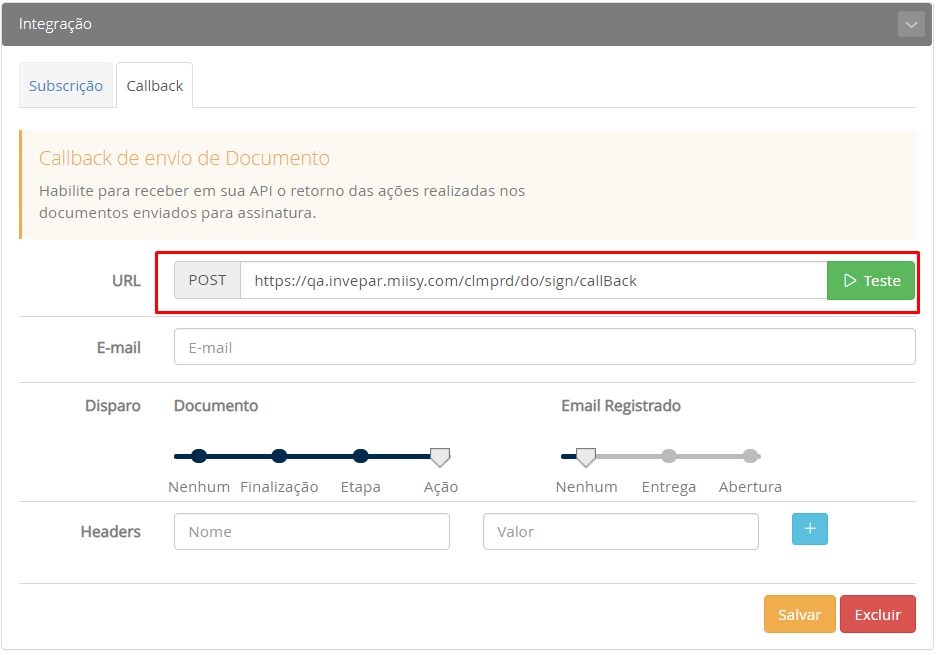
Information for developers
Download AppBuilder example Jar here
To test the callback localhost you will need to use the webhook site
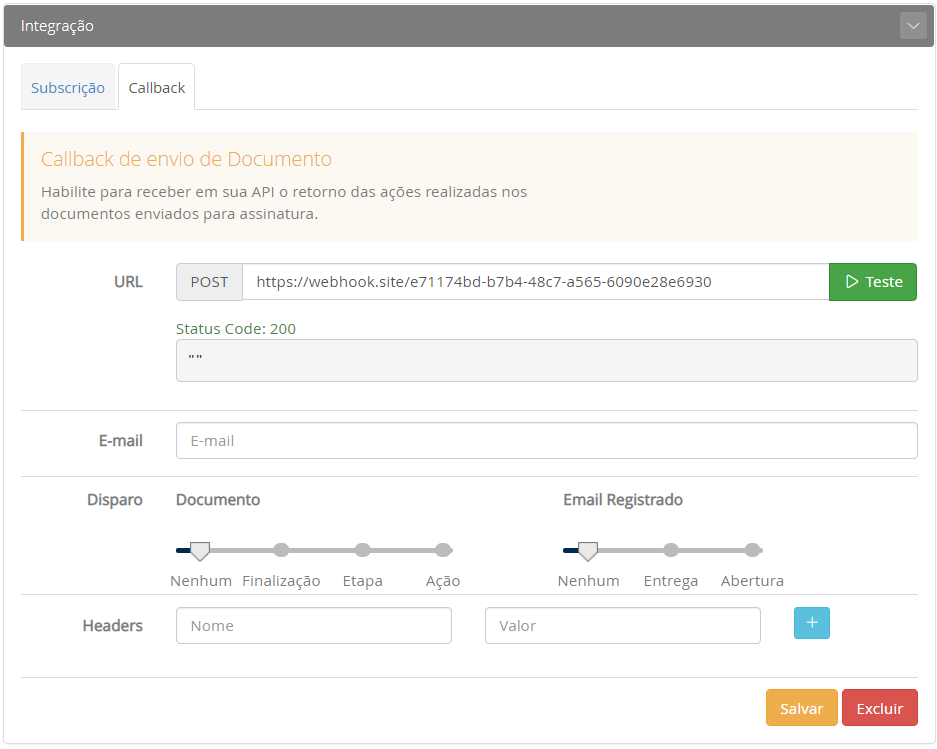
User the postman to post the callback to localhost
Example curl for postman import Raw text
curl -X 'POST' 'http://localhost:8080/appbuilder/do/sign/callBack' -H 'connection: close' -H 'accept-encoding: gzip' -H 'content-type: application/json' -H 'content-length: 206' -H 'user-agent: Go-http-client/1.1' -H 'host: webhook.site' -d $'{"documentId":301437,"name":"","identifier":"","action":"FLOW","message":"","apiDownload":"https://api-sbx.portaldeassinaturas.com.br/api/v2/document/package?includeOriginal=true\u0026key=549B9574684A683F"}'
After obtaining the token, configure a profile. Don't forget to change signing.certisign.key
<profile>
   <id>certsign</id>
   <properties>
       <signing.certisign.baseUrl>https://api-sbx.portaldeassinaturas.com.br/api/v2</signing.certisign.baseUrl>
       <signing.certisign.key>991dc8e991bb4b89b66b6a79ce302169</signing.certisign.key>
       <signing.provider>certisign</signing.provider>
   </properties>
</profile>