Communication
A Digital Communication are basically messages configured to appear after the user login.
Communication Configuration
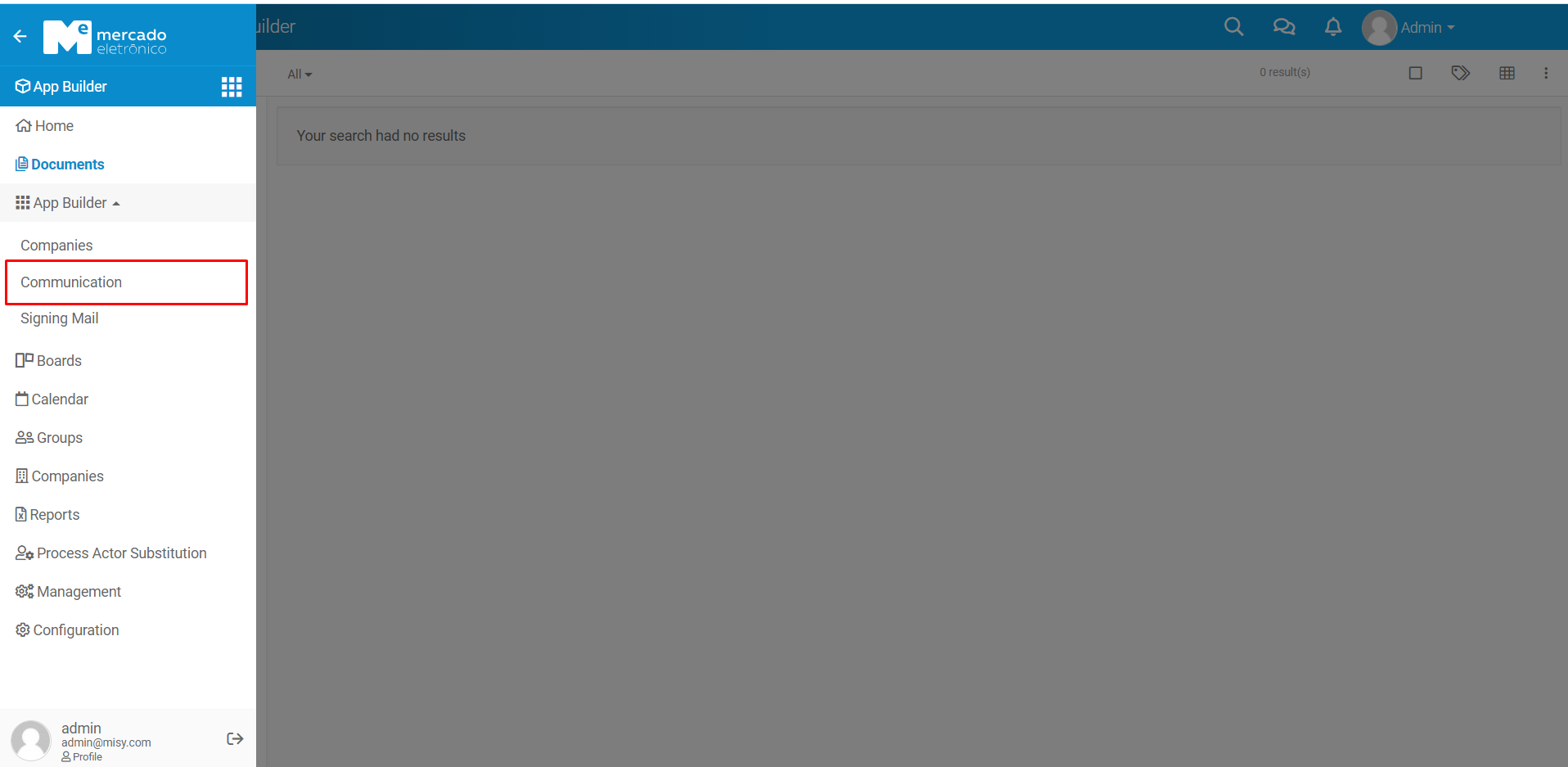
To create a communication it's necessary to create a configuration.
Create Communication Configuration
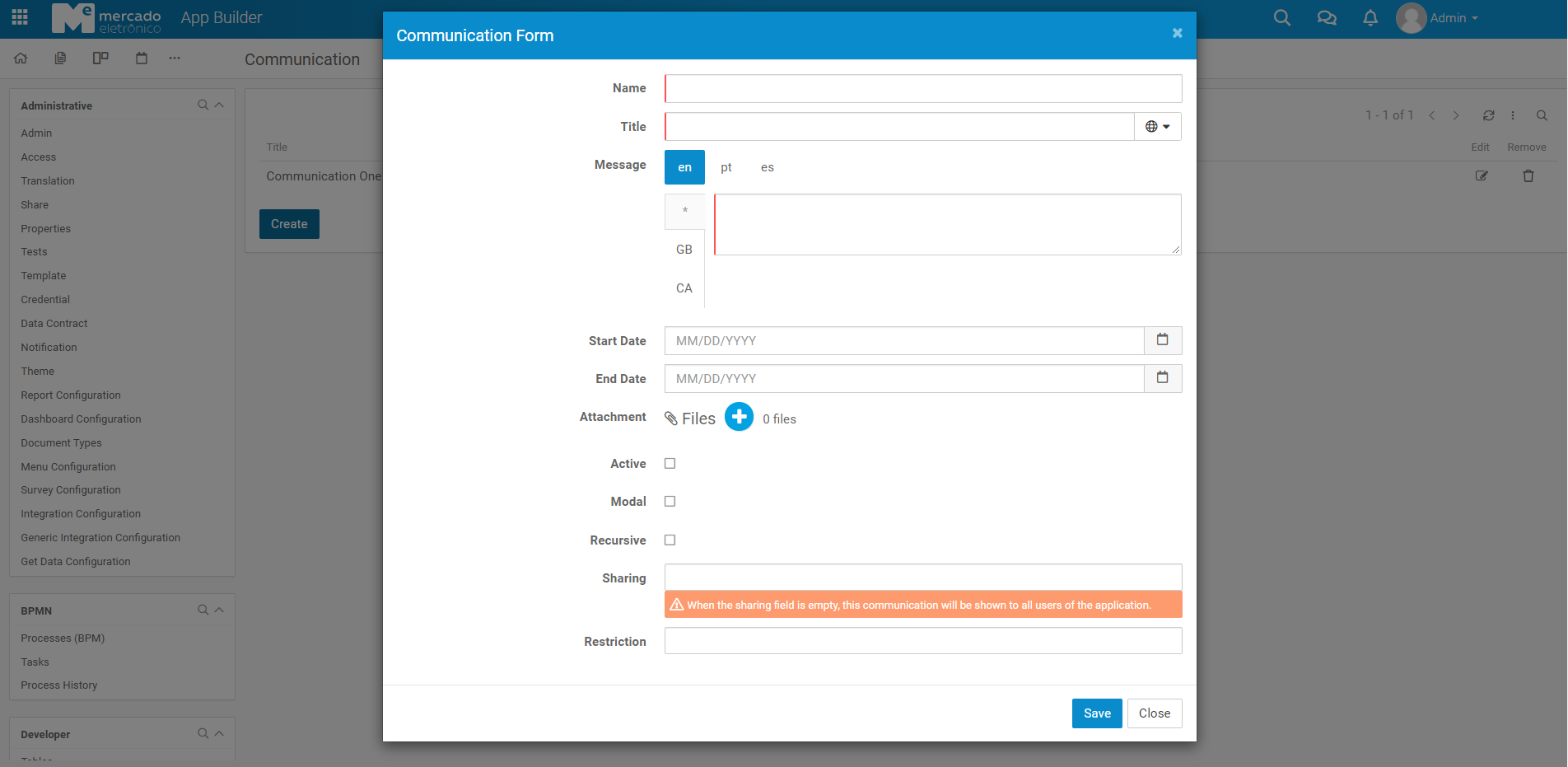
Title - It's title of message.
Message - It's the message.
Start Date - It's the start date of the message.
End Date - It's the end date of the message.
Attachment - It's the attachment of the message.
Active - It's the activation of the message.
Modal - Displays the message in modal.
Recursive - Displays the message in rescursivity.
Sharing - This field indicates who should view the communication. When this field is empty, it will be shown to all users of the app.
Restriction - This field indicates a restriction for not showing the communication.