Integration Configuration
Integration Configuration is an implementation of DataContract Configuration, it is possible to import two types of contracts, WSDL and WADL. WSDL (Web Services Description Language) is a description in XML format of a Web Service that will use SOAP/RPC as a protocol. WADL (Web Application Description Language) is a description in XML format considered as the REST equivalent of SOAP's WSDL.
Integration Configuration is based by DataContract configuration. To show Integration Configuration service the DataContract must be enable.
Data Contract
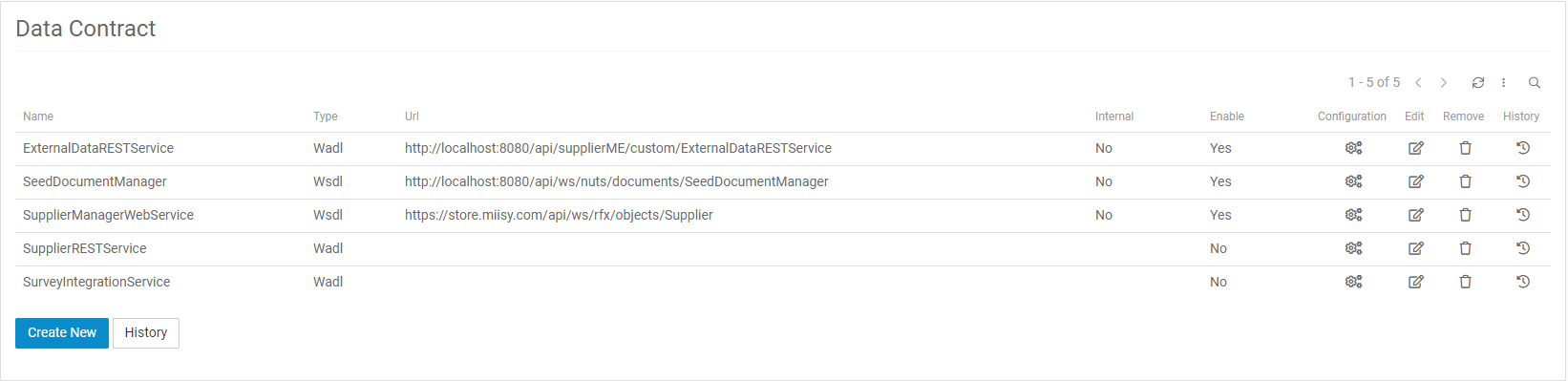
To set up a DataContract you need to set EndPoint on URL field.
Integration Configuration

After configuring the DataContract, the service will appear to be configured in the Integration Configuration.
How Configure a Integration Configuration
Choose the integration method to be used
1. Create Integration Method
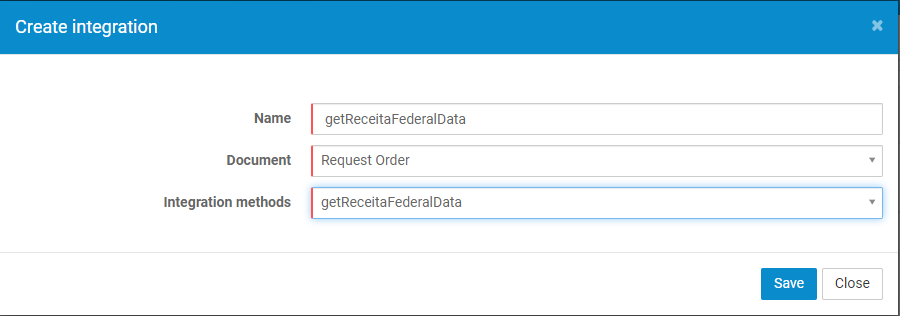
Create Integration Method.
2. Integration Method List

Now you can configure the request configuration and result configuration
3. Integration Request Field List

List of integration fields that can be configured

To configure list fields, its necessary to choose the document list in the filter icon, this will bring up the fields in the list that was selected

Now you can configure a filter for this list
3. Create Integration Request Field
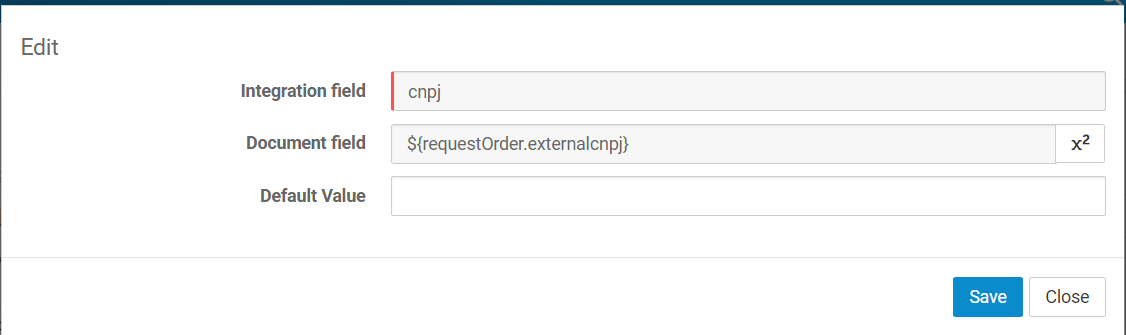
Create request field to be sent on integration If the Document field is null and contains Default Value, the request will be filled with the default value
4. Create Integration Result Field
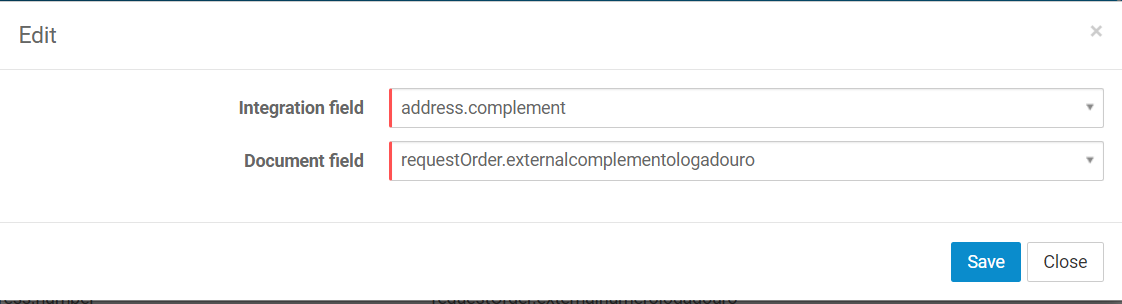
Create result field to be received on integration
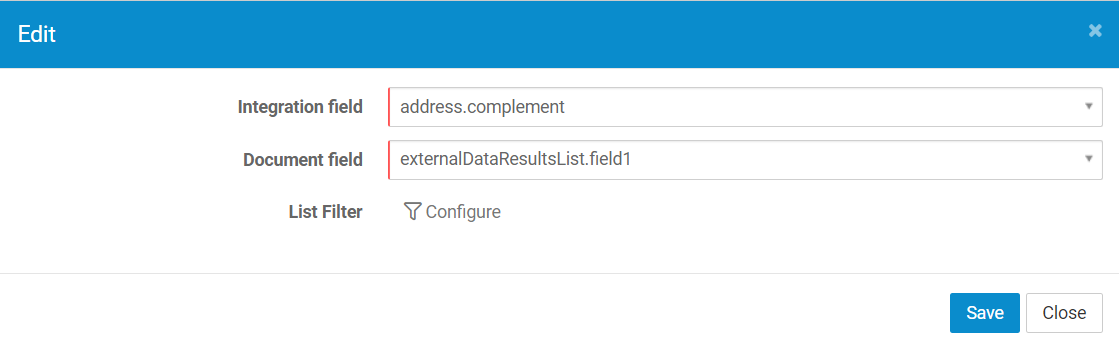
When configuring a integration result to a list field on document, you will need a filter for the list field so that the result can be applied to the list item that matches the filter provided
5. Create a Generic Integration macro
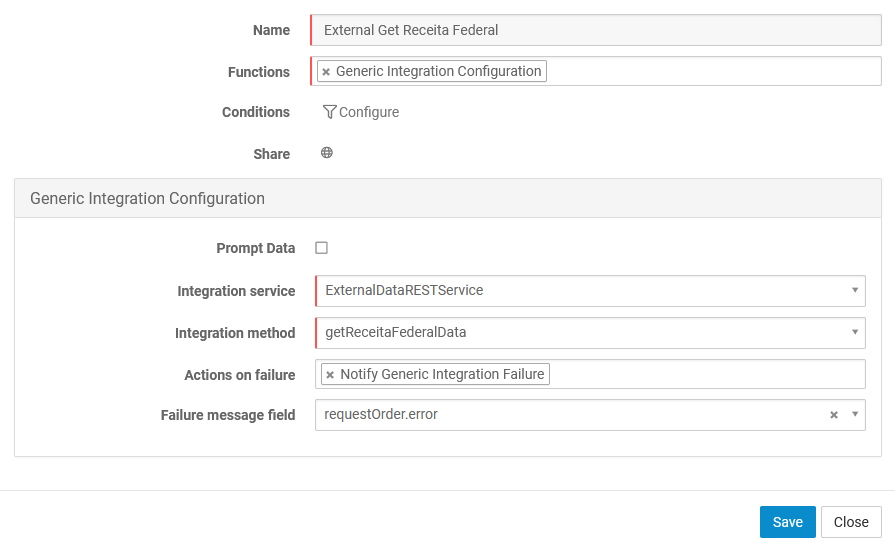
Above more information about the macro implementation.
Integration Service - Is the service configured in DataContract.
Integration Method - Is the method configured in IntegrationConfiguration.
Actions on failure - The actions to be executed when a Generic Integration failure occurs.
Failure message field - The document field that will store the error message of a Generic Integration failure. If this field is filled in, even if the Generic Integration Macro is executed again without failures, the failure message field will not be emptied.